Payments made simple

Big ambitions.
Simple payments.

Accept card and QR payments, share payment links, and manage your business in one place. Built for the way Sri Lanka does business.

Business overviewDEMO PREVIEW

YOUR BUSINESS AT A GLANCE

Payment overview

This month
Total collectedLKR 320,000.00

Every payment. One clear view.

Week 1Week 2Week 3Week 4
Recent payments Sample activity
Payment linkOnline checkout
LKR 18,500.00Completed
LANKAQRQR payment
LKR 4,250.00Completed
Card payments, QR & payment links. Connected.
CONNECTED TO THE WAYS YOUR CUSTOMERS PAY
Visa Mastercard LANKAQR Dialog Genie HelaPay All SL Banks (CEFT)
Made for your everyday

Behind every payment,
there is a business moving forward.

From your first online order to a growing customer base, choose a payment flow that fits how you sell.

Illustrative scene of a boutique owner packing an online order beside her laptop
YOUR BUSINESS, CONNECTEDMore time for the work you love.Illustrative merchant scene

Online shops

Connect your store to a payment gateway and match incoming payments to order references. Use payment updates to keep your checkout flow informed.

Explore store integrations

Social sellers

Agree on an order over chat, create a payment link, and send it to your customer. A website is not needed to share a hosted payment page.

See how payment links work

Service businesses

Give each project or service its own payment reference. Find the transaction in your workspace and check its status before confirming the next step.

Explore your workspace
All-In-One Solution

Discover X-Pay Business

Bring everyday payments together with X-Pay Business. Give customers more ways to pay and keep a clear view of your transactions.

Share a payment link, accept a QR payment, or connect your online checkout. Manage payment links, subscriptions, and transaction activity from your merchant workspace.

X-Pay
Business
Payment Link
E-Store
QR Code
Internet Payment Gateway (IPG)
Billing Services
Direct Payouts
Product Suite

One platform.
More ways to get paid.

Built to go further

Your next opportunity.
One connected platform.

Reach more customers and bring your store closer to its next sale. Explore two ways to grow with us.

USD $ LKR Rs. EUR €
01 / GLOBAL PAYMENTS

Local business.
Global possibilities.

Give customers near and far a familiar way to pay. Connect card acceptance with your business and keep payment activity in one place.

  • Seamless international and local cards acceptance with 3D-Secure 2.0
  • Transparent conversion into LKR with automated CEFT bank settlements
  • High checkout completion rates with smart routing and instant authorizations
Open Merchant Account
Built around the way you do business.
Live Interactive Demos

A better checkout starts here.

Try both our Card Terminal simulation and the Instant Payment Link creator below.

1. Live Card Terminal Demo

Fill in a checkout amount below and click the button to trigger a secure simulated transaction interface.

Payment gateway transaction demo
Rs.

Ready for payment authorization

Enter transaction amount and click checkout above.

PLATINUM DEBIT
X-PAY

5412 •••• •••• 9988

Cardholder SIMULATED MERCHANT
Expiry 12/30

Rs. 1,500.00

Payment Successful!

Transaction verified. Redirecting webhook feedback.

2. Instant Payment Link Generator

Simulate the no-code checkout flow. Generate a custom link and test what your clients will view.

Instant payment link creator
Developer First

Built for your next integration.

Connect our payment API with just a few lines of code. Configure webhooks, create client credentials in sandbox mode, and trigger instant callbacks for successful transactions.

  • Clean JSON RESTful API
  • Asynchronous webhook notifications (IPN)
  • Real-time payment verification endpoint
Generate API Keys Full API Reference
curl
curl -X POST https://www.x-pay.lk/api/create-payment.php \
  -H "Content-Type: application/json" \
  -d '{
    "client_id": "YOUR_CLIENT_ID",
    "client_secret": "YOUR_CLIENT_SECRET",
    "amount": 1500.00,
    "reference": "ORDER-98421",
    "return_url": "https://yourwebsite.com/callback"
  }
'
<?php
$payload = [
  'client_id' => 'YOUR_CLIENT_ID',
  'client_secret' => 'YOUR_CLIENT_SECRET',
  'amount' => 1500.00,
  'reference' => 'ORDER-98421'
];

$ch = curl_init('https://www.x-pay.lk/api/create-payment.php');
curl_setopt($ch, CURLOPT_RETURNTRANSFER, true);
curl_setopt($ch, CURLOPT_POSTFIELDS, json_encode($payload));
curl_setopt($ch, CURLOPT_HTTPHEADER, ['Content-Type: application/json']);
$result = json_decode(curl_exec($ch), true);
header('Location: ' . $result['data']['payment_url']);
?>
const response = await fetch('https://www.x-pay.lk/api/create-payment.php', {
  method: 'POST',
  headers: { 'Content-Type': 'application/json' },
  body: JSON.stringify({
    client_id: 'YOUR_CLIENT_ID',
    client_secret: 'YOUR_CLIENT_SECRET',
    amount: 1500.00,
    reference: 'ORDER-98421'
  })
});
const result = await response.json();
window.location.href = result.data.payment_url;
import requests

res = requests.post(
  'https://www.x-pay.lk/api/create-payment.php',
  json={
    "client_id": "YOUR_CLIENT_ID",
    "client_secret": "YOUR_CLIENT_SECRET",
    "amount": 1500.00,
    "reference": "ORDER-98421"
  }
)
checkout_url = res.json()["data"]["payment_url"]
print("Payment session:", checkout_url)
Your merchant workspace

Every payment.
A clearer picture.

Bring transaction activity and payment tools into one place, so you can spend less time switching between tasks.

Find the transaction you need

Search by reference or app and filter payment status when checking a customer order.

Separate testing from trading

Use sandbox and live transaction views to review integration tests alongside your business activity.

Keep track of payouts

Review payout records and details from the merchant portal as part of your reconciliation routine.
Open your merchant workspace
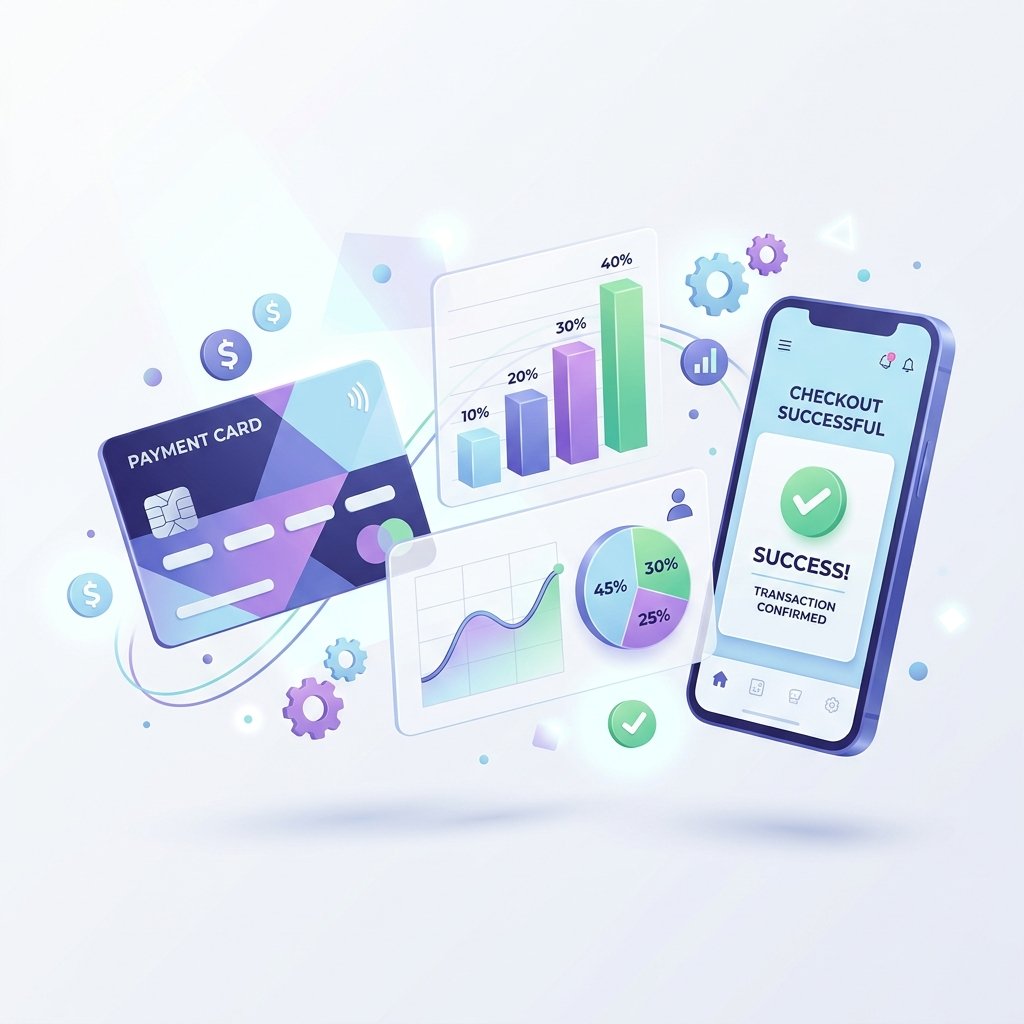
Illustration connecting payment cards, a mobile checkout, and business activity charts
Illustrative payment activity, not live business data
Getting started

Your next chapter starts here.

Prepare your account, choose your payment tools, and make sure your checkout is ready for customers.

01 / YOUR ACCOUNT

Create your business profile

Register your merchant account and add your business information. Choose a plan based on your expected activity and processing needs.

02 / VERIFICATION

Get your documents ready

Prepare your identity document, bank account confirmation, and business registration where applicable. Submit these through the merchant verification flow.

03 / YOUR CHECKOUT

Connect, test, and launch

Choose payment links or integrate your store. Test the payment flow, review the results, and complete account requirements before accepting live payments.

Account activation depends on verification and the payment services enabled for your business.

Create your account →
Transparent Pricing

Your business. Your pace. Your plan.

Compare monthly plans and processing fees to find the right fit for your business.

LITE

Free (No Monthly fees)

Rs. 0 / month
  • Processing Fee: 3.50%
  • Automated same-day bank payouts
  • Unlimited payment links & QR generation
  • Sandbox testing environment
  • REST API & Webhooks access
  • 24/7 dedicated support desk
Choose this plan

PREMIUM

Best rates for high volume

Rs. 9,990 / month
  • Processing Fee: 2.70%
  • Automated same-day bank payouts
  • Unlimited payment links & QR generation
  • Sandbox testing environment
  • REST API & Webhooks access
  • 24/7 dedicated support desk
Choose this plan

Make your next move.
Simplify your payments.

Create your X-Pay account, complete business verification, and bring your payments together in one workspace.

Start Now
Got Questions?

A few things you might be wondering.

Everything you need to know about setting up and using our gateway.

Payouts are processed automatically and transferred directly into your nominated Sri Lankan commercial bank account via CEFT network. Settlement usually reflects within the same business day.
We support Visa, Mastercard credit and debit cards, Dialog Genie, HelaPay, and all LANKAQR-compatible mobile banking applications (Commercial Bank, Sampath Vishwa, Bank of Ceylon, HNB, FriMi, etc.).
Yes! With our No-Code Instant Payment Links feature, you can generate custom payment links from your merchant dashboard and share them directly with customers over WhatsApp, SMS, or Social Media.
Individual and registered business owners simply need to upload a valid National ID / Passport, Business Registration (BR) certificate (if applicable), and bank account confirmation document via the Merchant KYC tab.
Copied!